Jura

Jura Wi-Fi Connect V2

$75.00

Part number: 24323

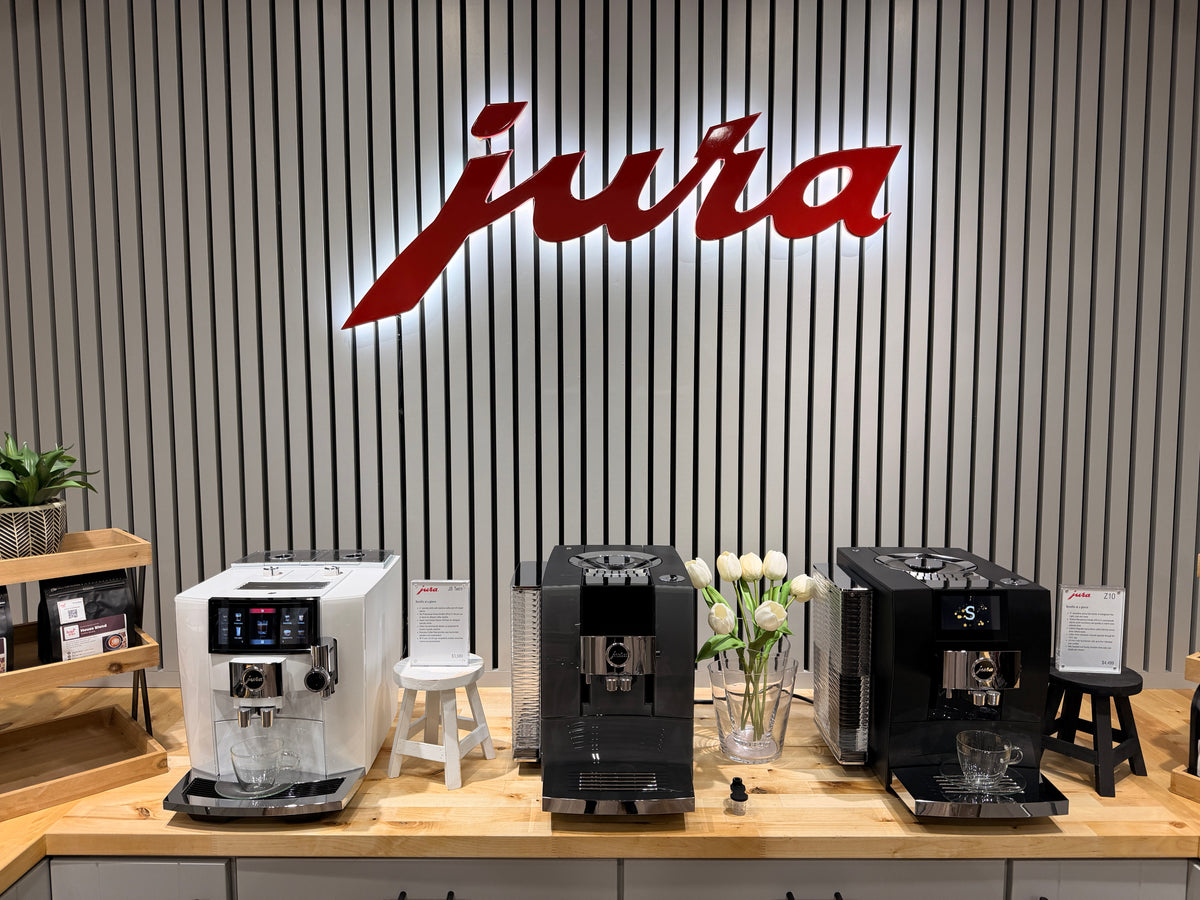
Try Jura in our Argyle store
  • Wi-Fi and Bluetooth connectivity
  • J.O.E. app integration
  • Cool Control communication
  • Works with older machines too
Free Shipping on $30 and Over Same-day dispatch before 2pm CST
Authorized Jura Dealer since 2004 Genuine Jura care products, filters, and accessories, backed by Jura USA support.
Secure Checkout Safe, encrypted ordering through Design & Grace.
Price Match & Product Guidance Need help choosing? Contact us.

Jura at Design & Grace

Jura Wi-Fi Connect V2

Wi-Fi and Bluetooth connectivity for Jura coffee machines, the J.O.E. app, and connected accessories

The Jura Wi-Fi Connect V2 adds wireless connectivity to Jura automatic coffee machines, allowing them to communicate with the Jura Operating Experience (J.O.E.) app and supported accessories such as the Cool Control. This compact adapter plugs directly into the coffee machine's service socket, providing Wi-Fi and Bluetooth communication without replacing the machine or adding external wiring. It works with current Jura machines and older Jura models too, and some machines come with Wi-Fi Connect already fitted.

Jura Wi-Fi Connect V2 module

Wi-Fi Connect V2

Your Jura Coffee Machine, Connected

Wi-Fi Connect V2 links Jura machines with the J.O.E. app, allowing supported coffee preparations and machine functions to be accessed through a smartphone or tablet. The app provides an additional way to interact with the machine, with available functions determined by the specific Jura model.

The adapter also lets the coffee machine communicate with connected accessories such as the Cool Control. On current machines, the Cool Control needs its own Wi-Fi Connect V2, and the machine needs one too unless it came fitted.

Wi-Fi Connect V2 communicates using Wi-Fi and Bluetooth and works with 2.4 GHz wireless networks. Modern encryption technology protects the wireless connection.

What stands out

Signature Features

Wi-Fi and Bluetooth connectivity

Enables wireless communication between Jura coffee machines, mobile devices, and supported accessories.

J.O.E. app integration

Connects the machine with the Jura Operating Experience app for convenient smartphone or tablet interaction.

Cool Control communication

Links the coffee machine with the Jura Cool Control milk cooler, which needs its own Wi-Fi Connect V2.

Works with older machines too

Jura made it compatible with older Jura automatic coffee machines as well.

Direct installation

The compact adapter plugs into the machine's service socket without an external cable.

Modern wireless security

Uses encryption technology to protect communication between supported devices.

Connection-status indicator

An integrated LED shows operating and connection status to help with setup and troubleshooting.

Automatic reconnection

Previously established wireless connections reconnect when the devices are switched on again.

Product details

Specifications

Brand
Jura
Product
Wi-Fi Connect V2
Article Number
24323
Accessory Type
Wireless connectivity adapter
Wireless Technologies
Wi-Fi and Bluetooth
Wi-Fi Network
2.4 GHz
Machine Connection
The machine's service socket
Mobile App
Jura Operating Experience (J.O.E.)
Accessory Communication
Jura Cool Control
Security
Encrypted wireless communication
Status Indicator
Integrated LED
Compatible Machines
All current Jura automatic coffee machines except the GIGA X8
Already Fitted On
S8, J8 Twin, J10 Twin, Z10 (both generations), GIGA 10
Warranty
1-Year Manufacturer's Warranty

In the box

What's included

  • 1 Jura Wi-Fi Connect V2, article 24323

Good to know

Shipping, care and support

Shipping & Returns

Fast & Free Shipping on $30 and Over

Orders of $30 or more ship free anywhere in the U.S. Orders placed before 2pm CST ship the same day, and delivery typically takes 1 to 5 business days depending on your location relative to our Texas warehouse.

We accept returns within 30 days of delivery. Items must be unused and in original packaging. Please contact us to begin the return process.

Read our full refund policy

Compatibility

Works with all current Jura automatic coffee machines, and with older Jura models too.

Already fitted on the S8, J8 Twin, J10 Twin, Z10 (both generations) and GIGA 10, so there is no need to buy one for these machines.

Sold separately for the E4, E6, E8, E10, ENA 4, ENA 8, C3, C9, X10 and W8.

The GIGA X8 doesn't use it: it comes with Jura's Smart Connect instead.

Cool Control: on current machines, the Cool Control needs its own Wi-Fi Connect V2, and the machine needs one too unless it came fitted.

Needs a 2.4 GHz Wi-Fi network.

Use & Care
Plug the adapter into the service socket of the Jura coffee machine, following Jura's instructions.

Switch on the machine.

Activate Wi-Fi Connect in the coffee machine's settings.

Use a 2.4 GHz Wi-Fi network.

Open the Jura Operating Experience (J.O.E.) app and follow its connection instructions.

For the Cool Control, follow the pairing steps for the machine and the cooler.

The LED indicator shows the connection status.

If a connection problem occurs, check the network and machine settings before using Jura's factory-reset procedure.

The adapter is reset when its connection is removed in the machine settings. Resetting the coffee machine to factory settings while the adapter is inserted also resets Wi-Fi Connect V2.

Keep the adapter dry and protect it from moisture.

Do not immerse the adapter in water, open its housing, or attempt repairs.
Warranty Information
1-Year Manufacturer's Warranty
Manuals & Guides

Add to your order

Pairs well with

Featured

Cool Control 0.6 L in Black

Compact Jura milk cooler with active 39°F cooling, a 20 oz stainless steel container, and Black or White finish

$349.00

Cool Control 1.0 L in Black

Jura milk cooler with a 34 oz stainless steel container, 39°F Peltier cooling, and lockable cover

$449.00

Cool Control 2.5 L

High-capacity Jura milk cooler with 85 oz stainless steel container, 39°F cooling, and lockable cover

$749.00

Questions answered

Frequently asked questions

What does the Jura Wi-Fi Connect V2 do?

It adds Wi-Fi and Bluetooth connectivity to Jura automatic coffee machines, enabling communication with the J.O.E. app and wireless accessories such as the Cool Control.

Which Jura machines does it work with?

All current Jura automatic coffee machines except the GIGA X8, which uses Jura's Smart Connect, and older Jura models too. Some come with Wi-Fi Connect already fitted, so check your machine before ordering.

Does my machine already have one?

The S8, J8 Twin, J10 Twin, Z10 (both generations) and GIGA 10 come with Wi-Fi Connect fitted. The E4, E6, E8, E10, ENA 4, ENA 8, C3, C9, X10 and W8 need Wi-Fi Connect V2, sold separately.

Can it work with an older Jura machine?

Yes. Jura says Wi-Fi Connect V2 is also compatible with older Jura automatic coffee machines.

What is the difference between Wi-Fi Connect and Wi-Fi Connect V2?

Wi-Fi Connect V2 is Jura's newer adapter, with Wi-Fi and Bluetooth communication, and it also works with older Jura machines.

Does it work with a 5 GHz Wi-Fi network?

No. Jura says Wi-Fi Connect V2 only works with 2.4 GHz Wi-Fi networks.

Does the adapter connect to the Jura J.O.E. app?

Yes. Wi-Fi Connect V2 enables communication with the J.O.E. app on supported mobile devices. Available app functions vary by machine.

Can I start preparing coffee from my phone?

Yes. The J.O.E. app lets you prepare coffee from your phone on Jura machines with Wi-Fi Connect. The available controls depend on the machine.

Can it connect my Jura Cool Control?

Yes. On current machines, the Cool Control needs its own Wi-Fi Connect V2, and the machine needs one too unless it came fitted.

How do I install Wi-Fi Connect V2?

Plug the adapter into the coffee machine's service socket, activate Wi-Fi Connect in the machine settings, and follow Jura's instructions for pairing with the J.O.E. app or the Cool Control.

What does the LED indicator mean?

The indicator shows connection and operating status. Its lighting patterns show a successful connection, a network that is not set up yet, or a connection problem.

What should I do if the connection stops working?

Check that the coffee machine is switched on, the adapter is activated in its settings, and the 2.4 GHz network is available. Jura also provides a factory-reset procedure through the machine settings.

Experience it in person

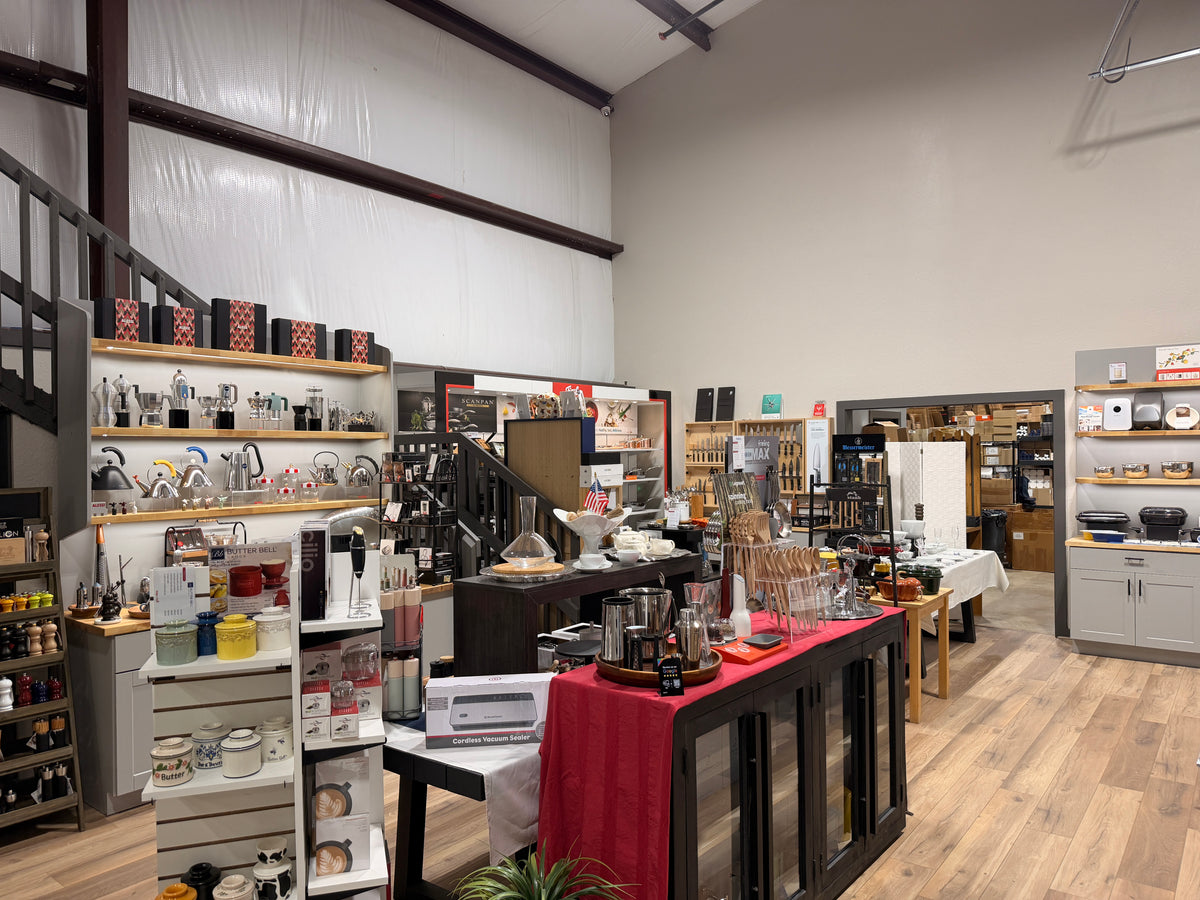
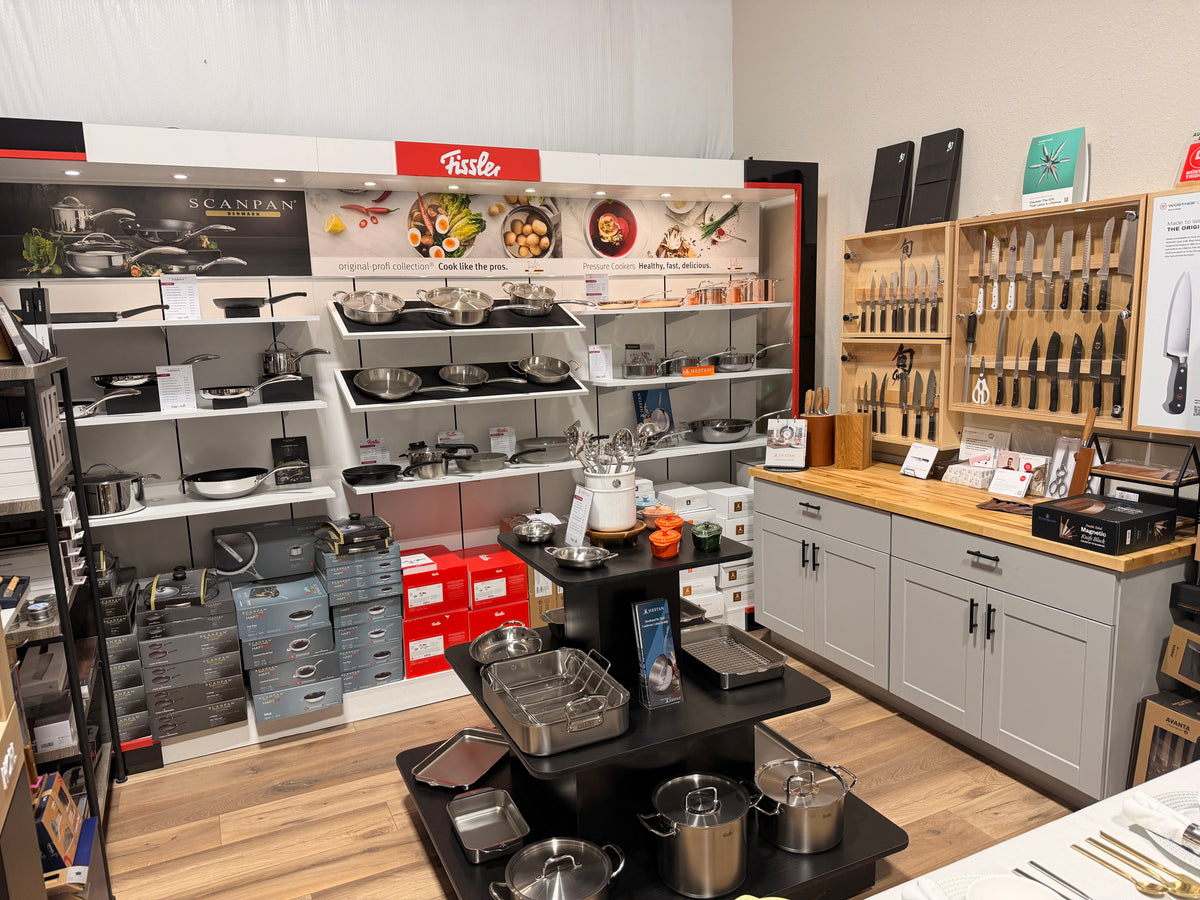
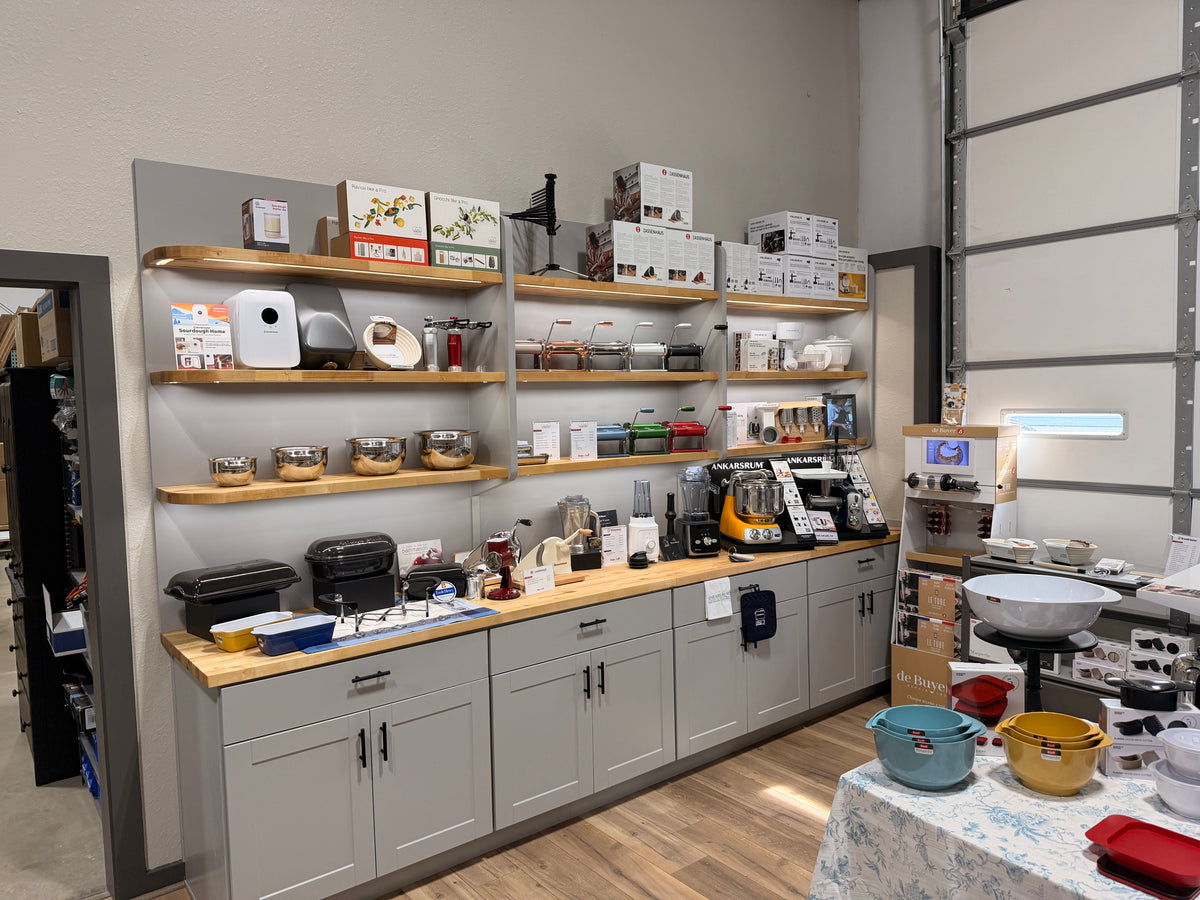
Try Jura at our Argyle store

Visit our Argyle, Texas store to experience selected Jura products in person. See how they work, get a feel for the controls and features, and let our team help you compare options before you decide.

Address

308 E FM 1830, STE 3D
Argyle, TX 76226

Phone

(940) 455-2205

Opening hours

Monday to Friday
9:00 AM to 4:00 PM
Saturday
9:00 AM to 3:00 PM
Sunday
Closed
Jura coffee wall with the red Jura sign and three Jura coffee machines at the Design & Grace store in Argyle, Texas
Inside the Design & Grace store in Argyle, Texas, with the staircase and Alessi shelves on the left
Fissler, Scanpan and Hestan cookware shelves beside the knife cabinets at the Design & Grace store in Argyle, Texas
Baking wall with Brød & Taylor, Marcato, Zassenhaus and Ankarsrum at the Design & Grace store in Argyle, Texas